Ppellucen

Text → Transparent PNG · No source image needed

Text to Transparent PNG Generator

Describe what you want to create. Pellucen turns your text prompt into a transparent PNG with a real alpha channel—ready for stickers, product concepts, illustrations, presentations and design projects.

3 free 1K images per IP address each UTC day · No local installation

Image generator

Create a transparent PNG from text

Up to 3 free images / day

Start with a prompt idea

Free generation is subject to daily service capacity. Repeated failed attempts may temporarily pause free generation on this connection.

Advanced settings (optional)

Generation works without editing these instructions. Use this section if you want more control.

Content rules: Adult, pornographic, sexually explicit, and NSFW image generation is prohibited. Sexual content involving minors, non-consensual intimate imagery, hate, harassment, self-harm instructions, illegal goods, and attempts to bypass content review are also prohibited. Read the Terms and acceptable use policy.

Output

Transparent preview

◫

Your transparent PNG will appear here

Describe a subject to start. No source image is needed. The squares show the transparent area.

Already have an image? Remove its background instead.

From prompt to transparent PNG

  1. 01

    Describe your image

    Choose a subject, style and colors. Start from an example above or write your own description.

  2. 02

    Generate with AI

    Complete the security check and generate. We prepare the image instructions; Advanced settings lets you edit them.

  3. 03

    Download the transparent PNG

    Inspect the preview and edges, then save the PNG to use over your own background.

Prompt → Result

From a few words to an isolated asset

Real text-to-image outputs from Kie AI’s hosted Qwen Image 2.1 playground, the same model service used by Pellucen. Generated at 1K with transparent output; results vary. The squares show transparency.

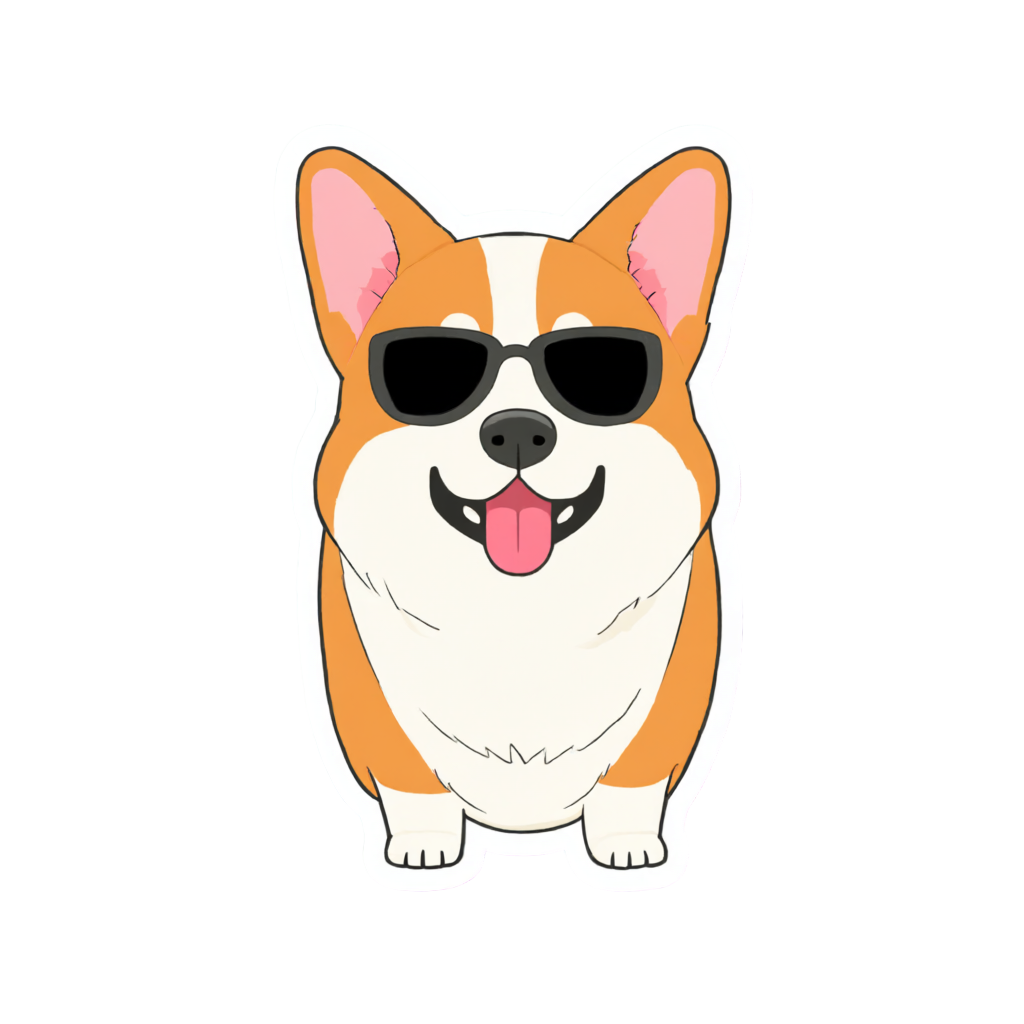
Corgi sticker generated from text with a transparent background

Sticker

Corgi sticker

A cute corgi wearing sunglasses, cheerful die-cut sticker illustration.

Exact model prompt

This is an RGBA image with transparency. A cute corgi wearing sunglasses, cheerful die-cut sticker illustration, complete subject centered with generous space around it, crisp clean silhouette, fully transparent background. No text, border, props, floor or cast shadow.
Download sample PNG
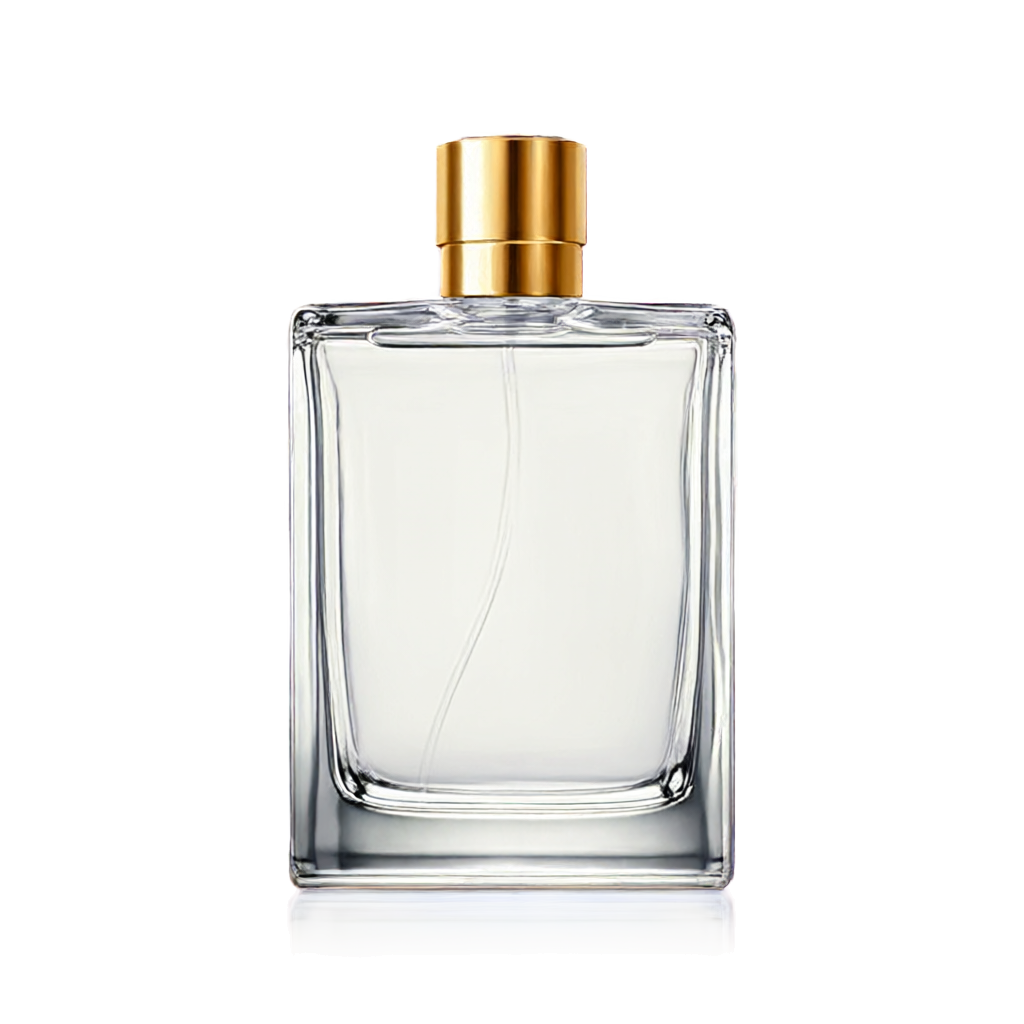
Perfume bottle concept generated from text with a transparent background

Product concept

Perfume bottle concept

A luxury perfume bottle with a gold cap, front view, realistic product concept, no brand or lettering.

Exact model prompt

This is an RGBA image with transparency. A luxury perfume bottle with a gold cap, front view, realistic product concept, no brand or lettering, complete subject centered with generous space around it, clear glass and finely detailed reflections, fully transparent background. No text, border, props, floor or cast shadow.
Download sample PNG
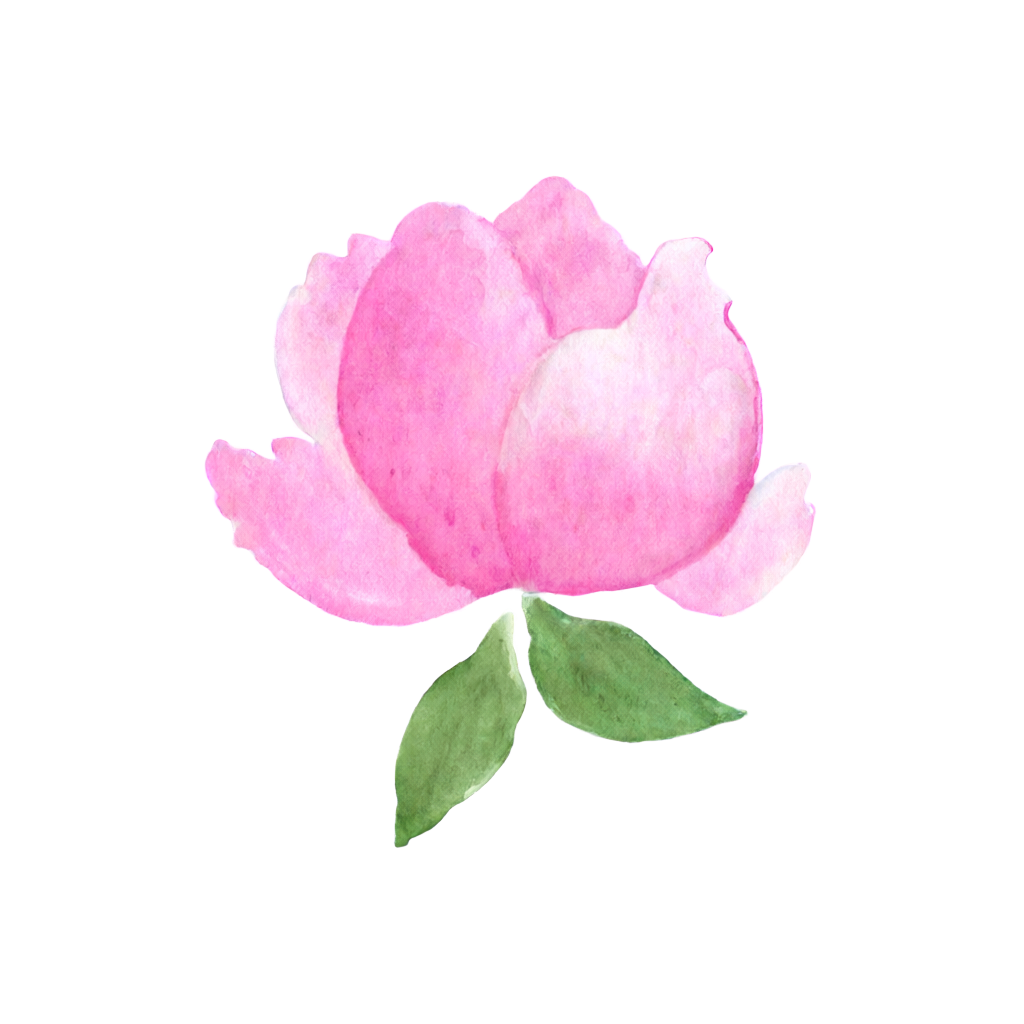
Watercolor peony generated from text with a transparent background

Illustration

Watercolor peony

A watercolor pink peony with two small green leaves, soft hand-painted texture.

Exact model prompt

This is an RGBA image with transparency. A watercolor pink peony with two small green leaves, soft hand-painted texture, complete subject centered with generous space around it, delicate petal edges, fully transparent background. No text, border, props, floor or cast shadow.
Download sample PNG
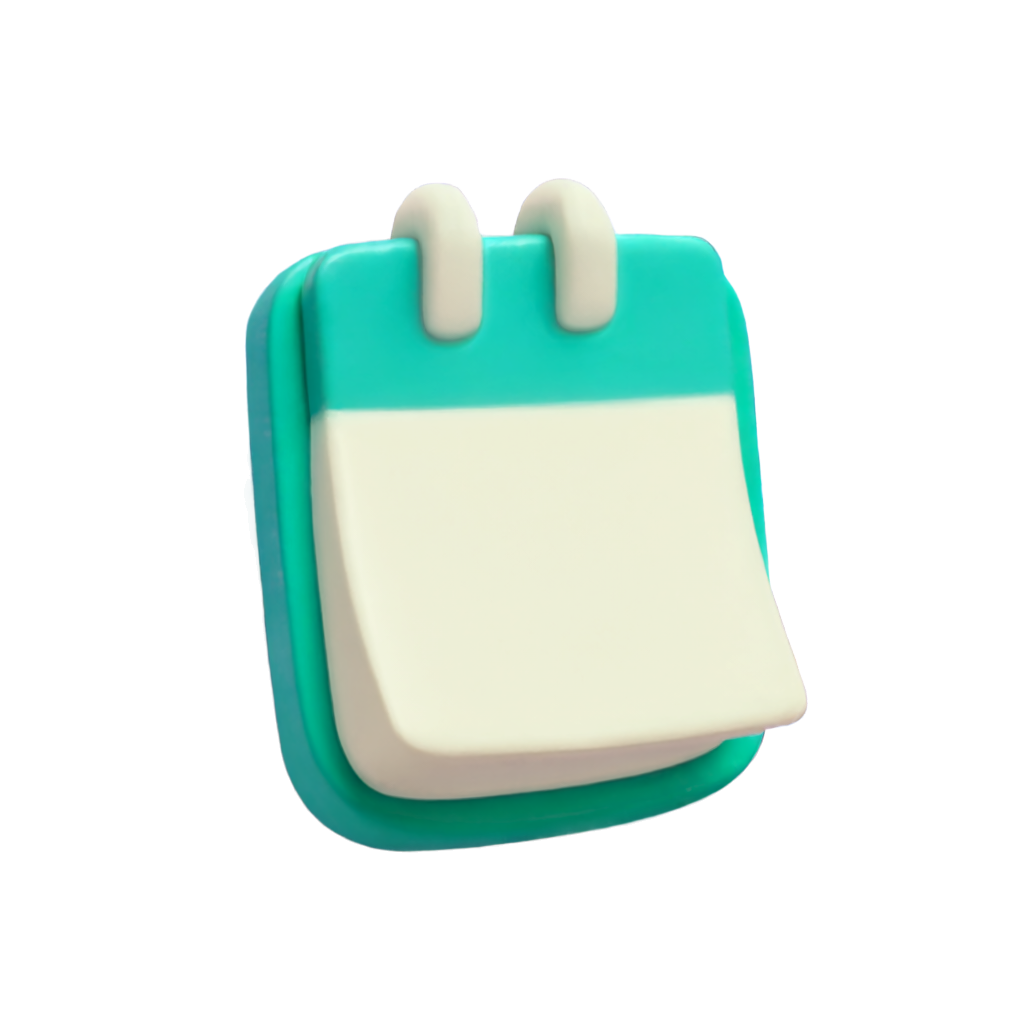
Calendar app icon generated from text with a transparent background

Icon

Calendar app icon

A 3D calendar app icon with rounded corners, teal and cream colors, no letters or numbers.

Exact model prompt

This is an RGBA image with transparency. A 3D calendar app icon with rounded corners, teal and cream colors, no letters or numbers, complete subject centered with generous space around it, soft clay-like material and a clear silhouette, fully transparent background. No text, border, props, floor or cast shadow.
Download sample PNG
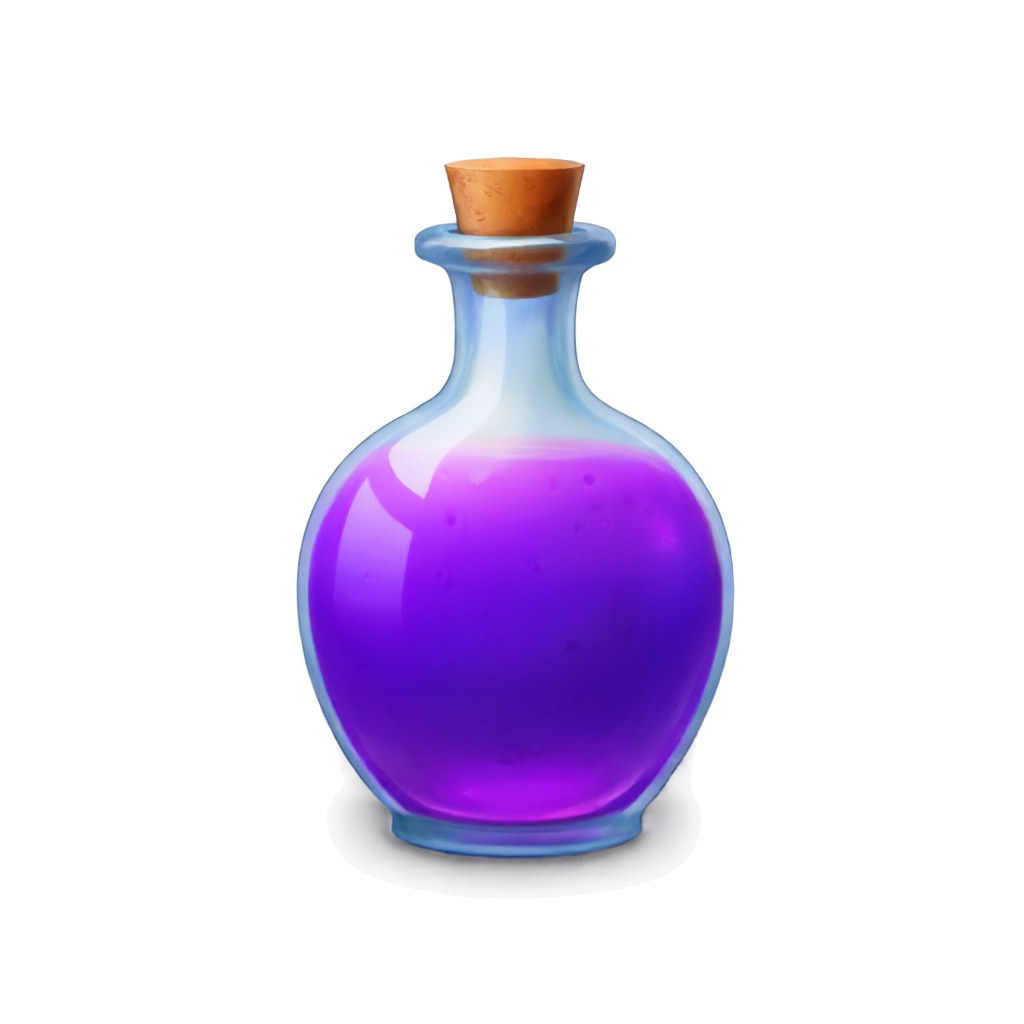
Fantasy potion bottle generated from text with a transparent background

Game asset

Fantasy potion bottle

A fantasy potion bottle filled with purple liquid, cork stopper, whimsical game asset illustration.

Exact model prompt

This is an RGBA image with transparency. A fantasy potion bottle filled with purple liquid, cork stopper, whimsical game asset illustration, complete subject centered with generous space around it, polished glass and a clear silhouette, fully transparent background. No text, border, props, floor or cast shadow.

Download sample PNG
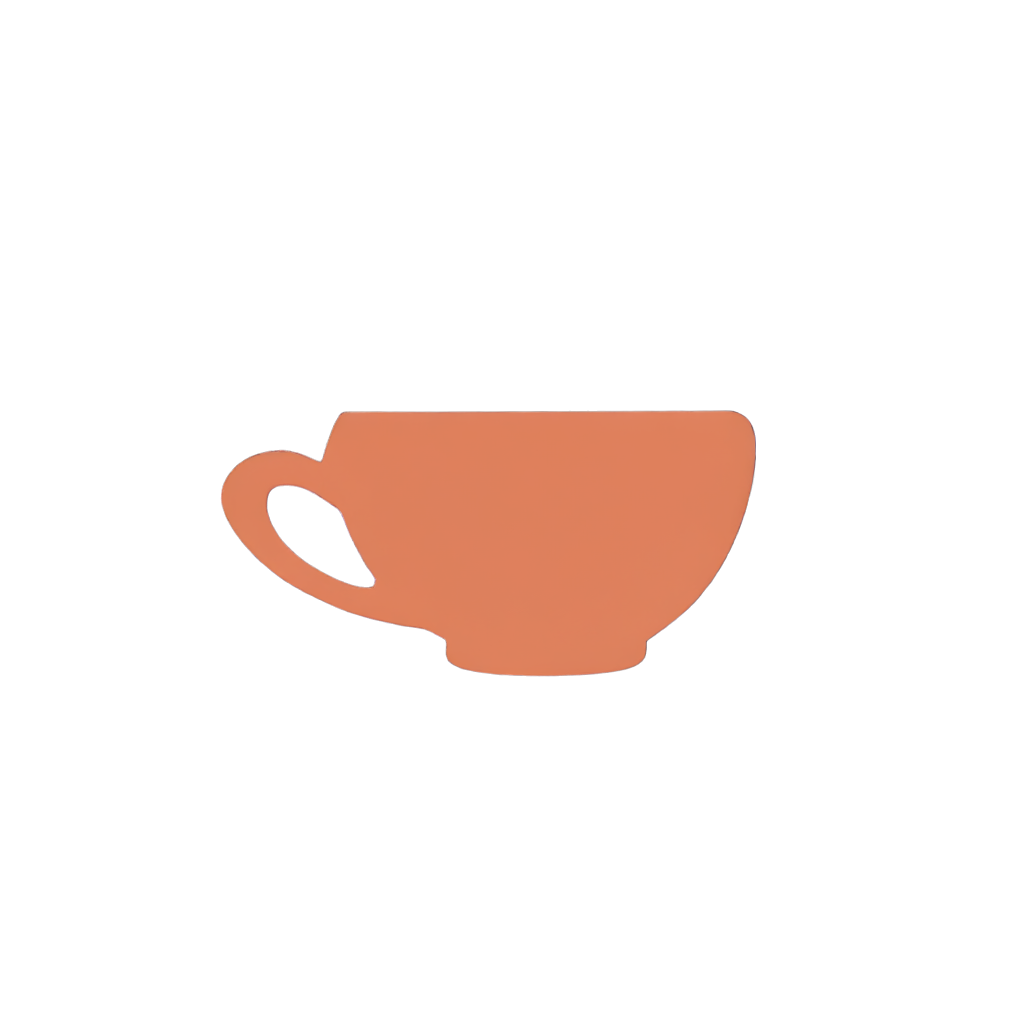
Coffee cup illustration generated from text with a transparent background

Design asset

Coffee cup illustration

A minimal coffee cup illustration with a curved handle, warm terracotta color, no logo or lettering.

Exact model prompt

This is an RGBA image with transparency. A minimal coffee cup illustration with a curved handle, warm terracotta color, no logo or lettering, complete subject centered with generous space around it, simple flat shapes and clean edges, fully transparent background. No text, border, props, floor or cast shadow.

Download sample PNG

What can you create from text?

Stickers

Generate sticker-style graphics from a description, without starting from a photo or manually removing its background.

Product concepts

Explore bottles, packaging, cosmetics and isolated objects for mockups and presentations. These are new concepts, not photos of your actual product.

Illustrations

Describe watercolor flowers, cartoon characters or 3D objects and place the result in your own layout.

Icons & assets

Create isolated visual assets for presentations, websites and games. Review small details and text before using them.

Make your next asset from text

Start with the free allowance, then compare monthly plans if you need more images or larger output. Image use is subject to provider terms and third-party rights.

Text-to-transparent-PNG questions

Can AI generate a transparent PNG directly from text?

Yes. Describe a subject and Pellucen requests native transparent output from Kie AI’s hosted Qwen Image 2.1 text-to-image model. You do not need a source photo. Preview the generated image, then download the PNG.

Does Pellucen generate a real alpha channel?

Pellucen requests transparent output and checks that the returned PNG has alpha support before accepting it. The checkerboard is a preview background, not part of the downloaded PNG. Place your download over a colored layer to inspect its transparency and edges.

Do I need to remove the background afterward?

Usually no: this workflow requests transparent output directly. Inspect the result before using it; complex subjects, glass and soft edges may still need manual cleanup. A rejected generation restores its reserved allowance.

Can I use the generated PNG in Canva, Figma or PowerPoint?

Yes. Download the PNG and import it into an editor that supports transparency. Keep PNG when exporting if you need transparent pixels. Free links expire after 24 hours and paid links after seven days, so save a local copy.

What prompts work best for transparent PNG generation?

Describe one complete subject, its style, colors and viewing angle. For example: a watercolor pink peony with two green leaves. Avoid requesting a scene, floor or backdrop. Pellucen prepares the transparency instructions automatically, and Advanced settings lets you review them.

What is the difference between text-to-transparent-PNG and a background remover?

Text-to-transparent-PNG creates a new image from your description. Background removal starts with an existing photo and makes an AI-edited cutout. If you need to preserve an exact product, logo or label, inspect edits carefully or use manual masking: AI can change those details.

How many images can I try for free?

Up to three free 1K images per IP address each UTC day, shared across Pellucen’s tools. Monthly plans offer more credits, with Studio also supporting 2K output. Compare current allowances and credit costs on the pricing page. Opening a prompt idea does not use credits.

For file formats and transparency checks, read the transparent PNG maker guide. For more detailed instructions, see the Qwen prompt guide.